Work orders

From ticket to signature, one system.

You know the situation: a customer request by email, the order in a spreadsheet, the report on paper, the invoice who-knows-where. intuAid runs the order from start to finish in one flow.

From everyday work

Three gaps that delay every order.

  1. 01

    Tickets in the mail inbox.

    Customer requests pile up in Outlook. What the status is, who is on it, when the appointment is, nobody knows.

  2. 02

    Created twice, only half recorded.

    Scheduling types the order into the ERP, the technician writes hours on paper, someone transfers them. Three places, three sources of error.

  3. 03

    Reports come back too late.

    The order is done, but the invoice has to wait two weeks because the report still has to be typed up.

intuAid work orders are a continuous workflow that runs a service order from the installation, through mobile documentation on site, to the digital signature and feedback into the ERP, all in one system.

What do work orders give you?

Work orders close the gaps between request, job and invoice. Scheduling plans from one system, technicians document on site mobile and offline, and accounting gets the finished order the same day. That cuts the recording effort and gets invoices out faster, instead of waiting two weeks.

How it all fits together.

Order creation from any channel.

A ticket from Self Service, a call from the hotline team, a maintenance plan or an incoming email. Everything becomes an order with device context.

  • Directly from a self-service ticket
  • Manually from a hotline call
  • Recurring from a maintenance plan
  • By email inbound with auto-parsing

Document on the move, on site.

The technician gets the order on their smartphone. Hours, material, photos, signature, all recorded right at the device, even offline.

  • Time and material recording
  • Photo and video upload
  • Mandatory fields configurable
  • Offline-capable, syncs later

Digital signature.

The customer signs on the tablet, intuAid generates the PDF with all the data and sends it to the customer and to accounting. An end to paper circulating around.

  • Touch signature on any device
  • PDF generation right away
  • Automatic email dispatch
  • Archived in a legally sound way

Order history per device.

Every order is assigned to the installation. On the next job the technician sees what was done last, without asking the office.

  • Chronological asset history
  • Filter by order type
  • Images and reports linked
  • Searchable by error code and part

Feedback into the ERP.

Hours, material, status, everything flows back into the ERP. Invoicing runs the same day, not two weeks later.

  • Configurable ERP synchronization
  • Material bookings automatically
  • Status mapping per system
  • Audit log for compliance

Who benefits

Three roles, one benefit.

Scheduling

Plans orders from one system. Sees who has what and where, and when they are free.

Technician

Has the order on their phone, documents on site and is done with the paperwork by the time they head out.

Accounting

Gets the completed order with all the data the same day. The invoice is out before the order goes cold.

Frequently asked questions

Try intuAid on your own machines.

Create an account and bring your first machine online today. If you would rather see intuAid in action first: in the demo we scan the QR code on one of your machines live, with no pitch and no slide deck.

Free forever for up to 3 machines. No credit card required.

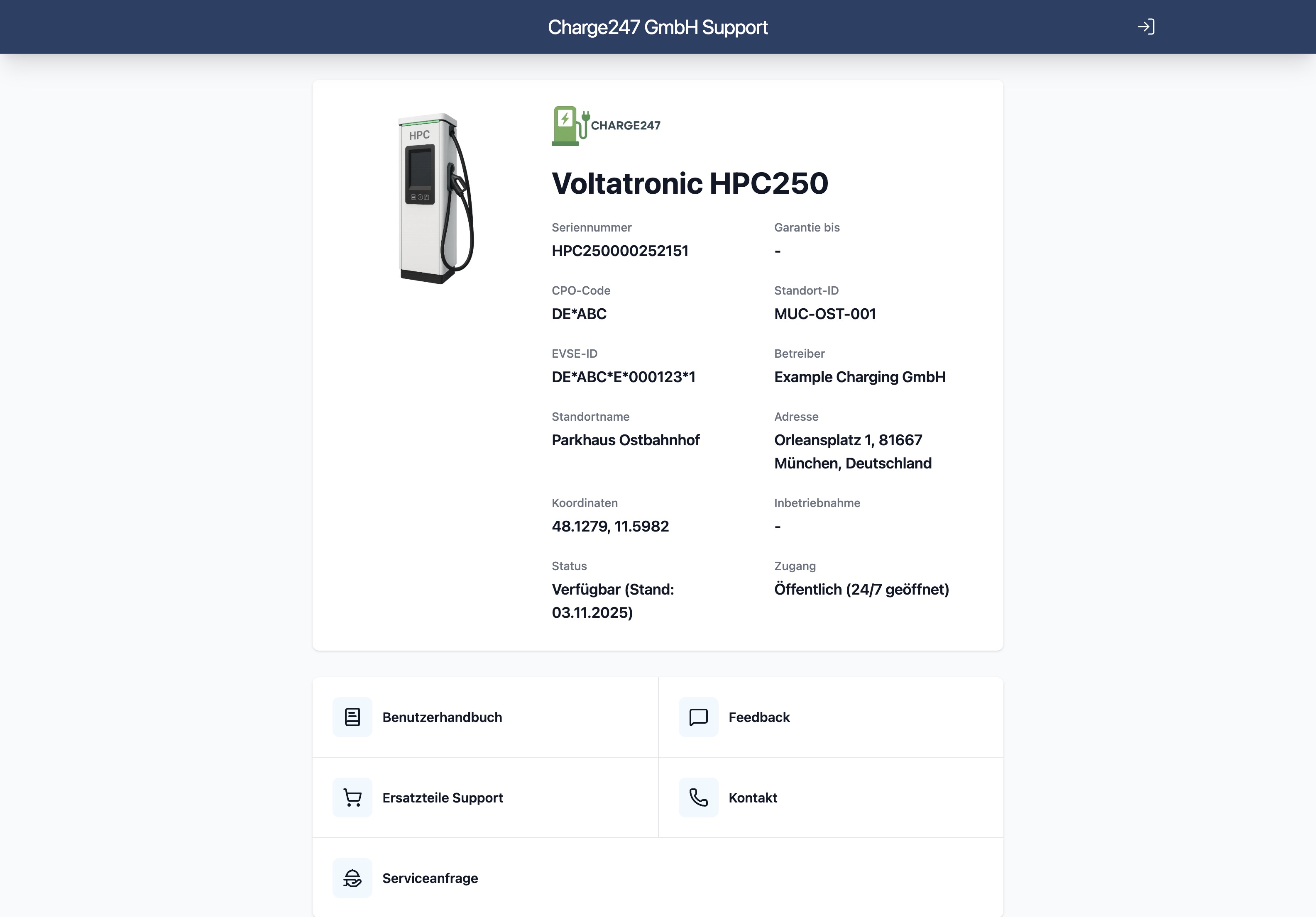
Screenshot of the intuAid app showing the device landing page after scanning the QR code